

Skill Studio
A skill is a reusable, versioned agent behavior package — not just an API wrapper. Skill Studio is a visual composition canvas: pick MCP server dependencies, drop step nodes onto a graph, and wire success and fallback edges. The canvas compiles into a structured package with triggers, guardrails, and an editableSKILL.md.
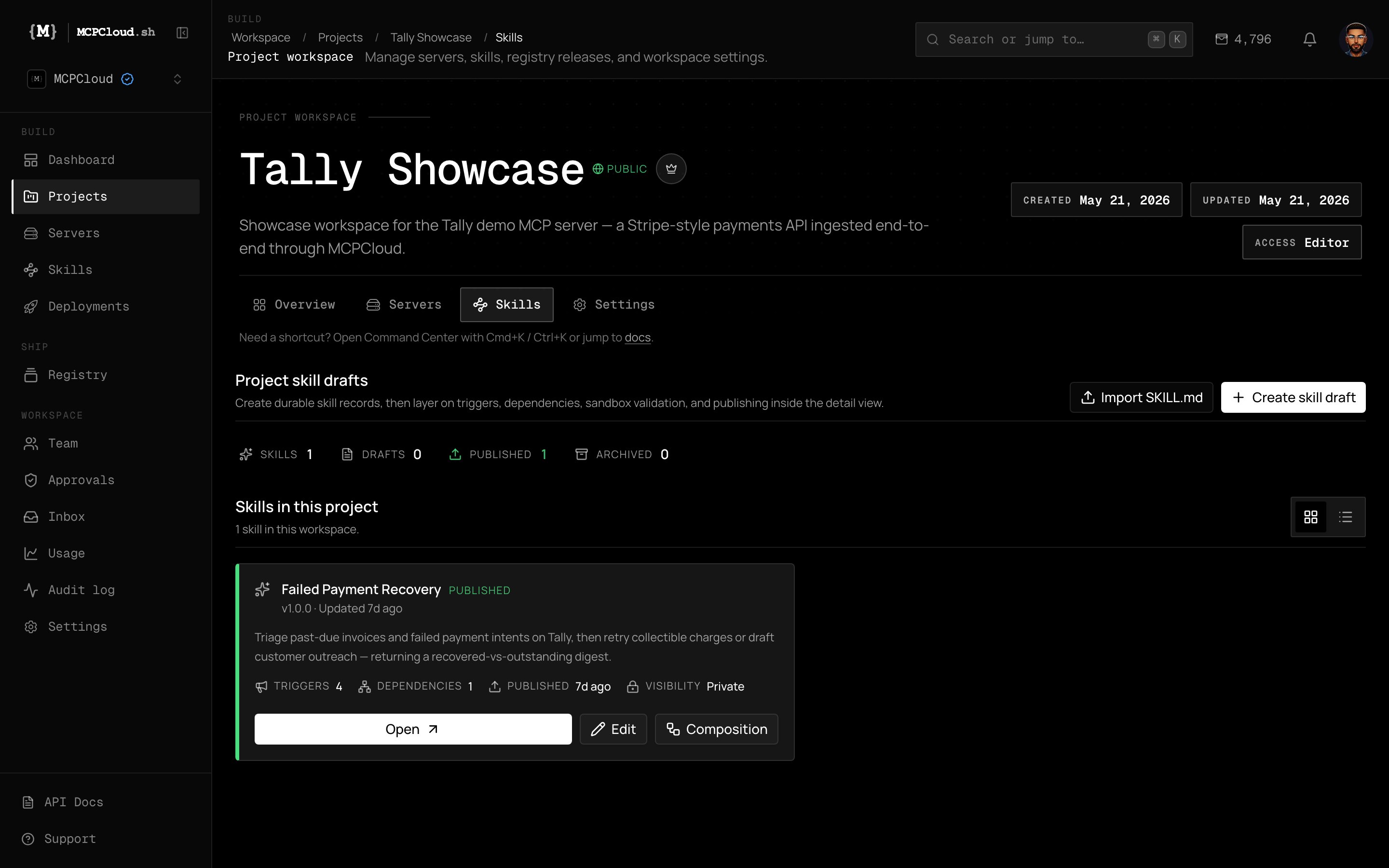
A published skill in the Tally project — trigger phrases, dependencies, version, and access to the Composition canvas.
Anatomy of a skill
Workflow topology
A DAG of steps. Solid edges follow step order; dashed edges show fallback paths.
Triggers
Phrases like “extract action items” that agents use to route requests to this skill.
Dependencies
The specific MCP server tools the skill calls (for example,
slate-mcp · query_database).Guardrails
Stop conditions and constraint rules baked into the package, not buried in a prompt.
Steps and error handling
Each node is a step bound to an MCP tool, with explicit behavior on failure:- Stop on error — halt the workflow (for example, a failed
validate_lead). - Continue on error — proceed even if a step like
enrich_companyreturns partial data. - Fallback on error — route to an alternate edge when a step such as
update_dealfails.
Guardrails are part of the package
Guardrails are generated into theSKILL.md and stored with the skill — so they travel with it everywhere it is installed. Examples:
- Never create a Tasks row whose title matches an existing one.
- Never edit or delete existing blocks — only append.
- Skip action items with no clear owner.
The generated SKILL.md
Skills across the workspace
The Skills hub tracks every draft and published skill across all projects, with sandbox-run and install counts.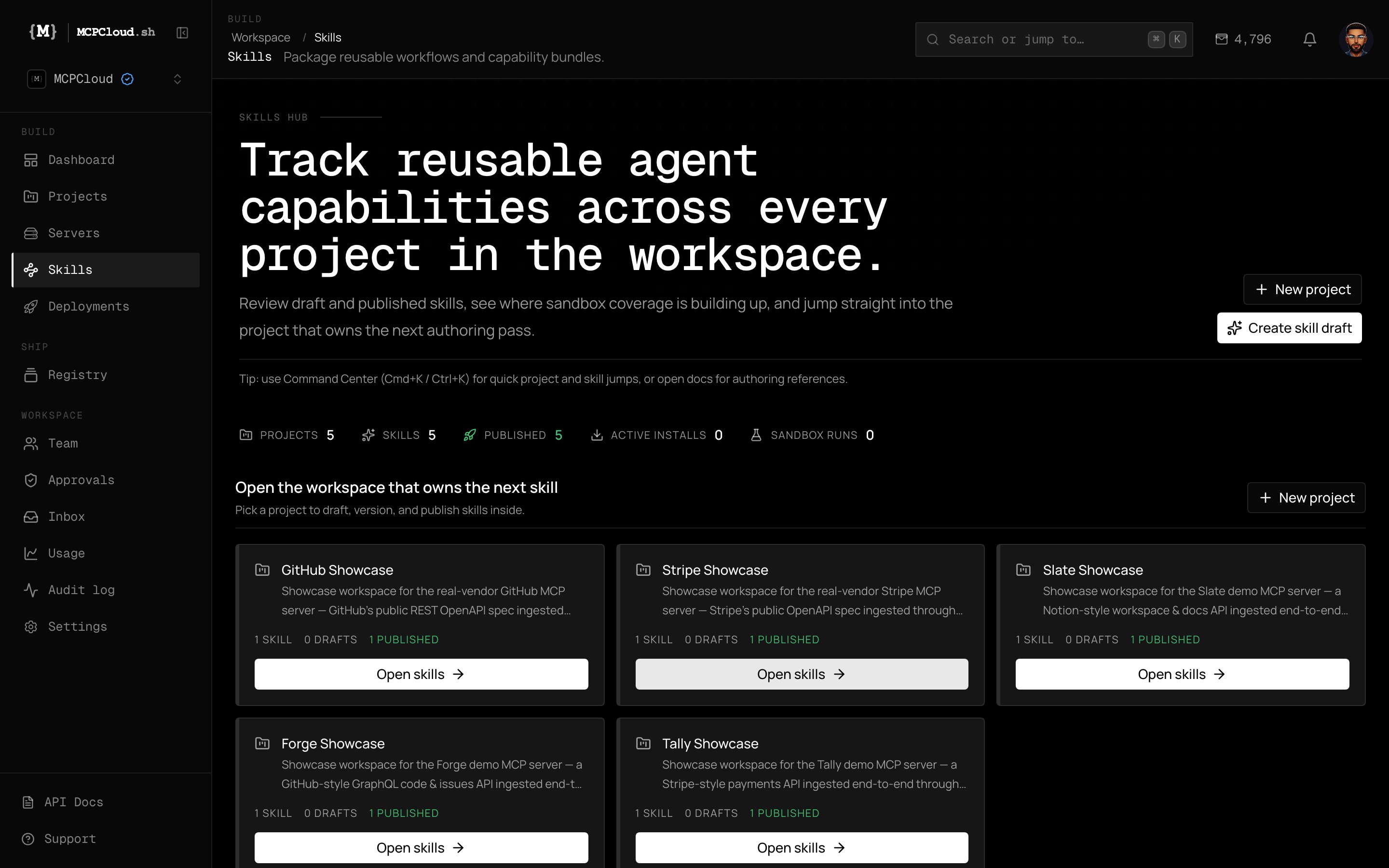
The workspace-level Skills hub — projects, published counts, and sandbox coverage.
Working with skills from the CLI
Installs of monetized skills surface a
purchase_required (402) response. Marketplace creators keep 80% of revenue.