

What MCPCloud provides
MCPCloud is a managed platform for building, shipping, and operating MCP servers and skills at team scale. It is two products in one workspace:- Server factory — paste an API spec and get a typed, deployed MCP server.
- Skill Studio — author reusable, versioned agent behaviors that run on those servers.
From spec to shipped tools
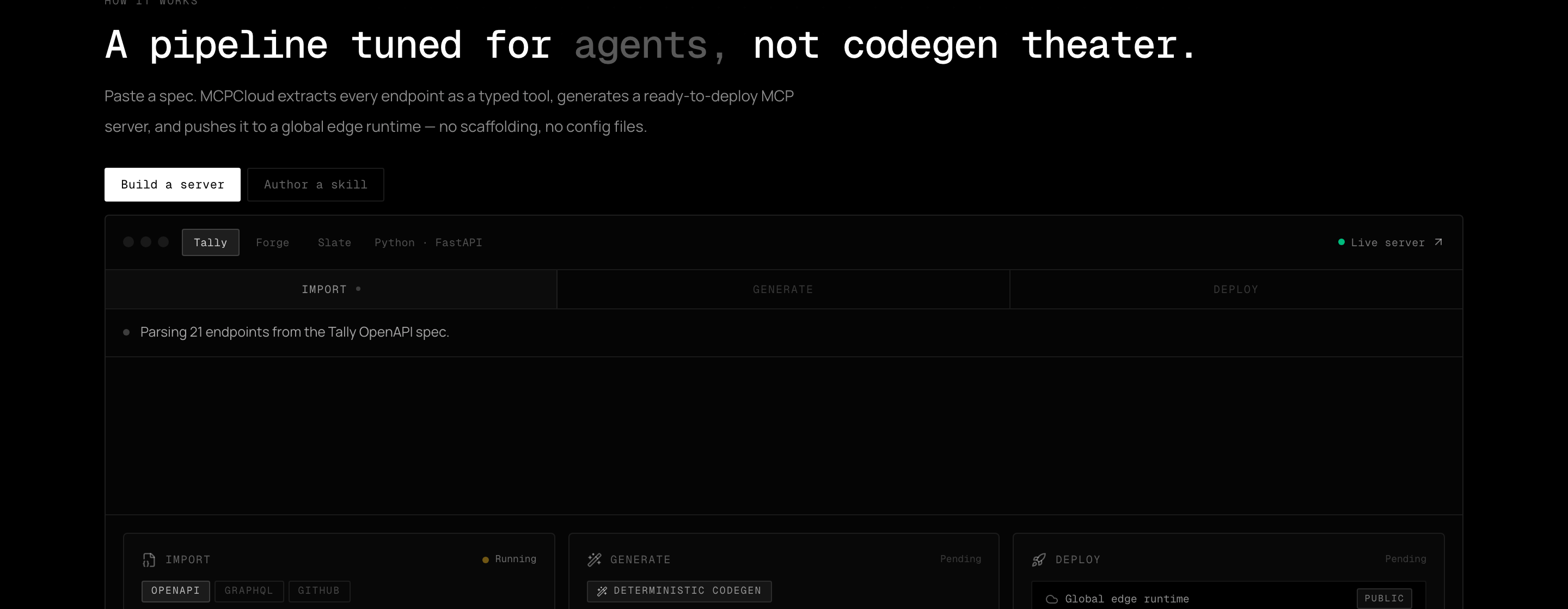
Import a spec, enrich tool descriptions, generate a typed server, and deploy to the edge.
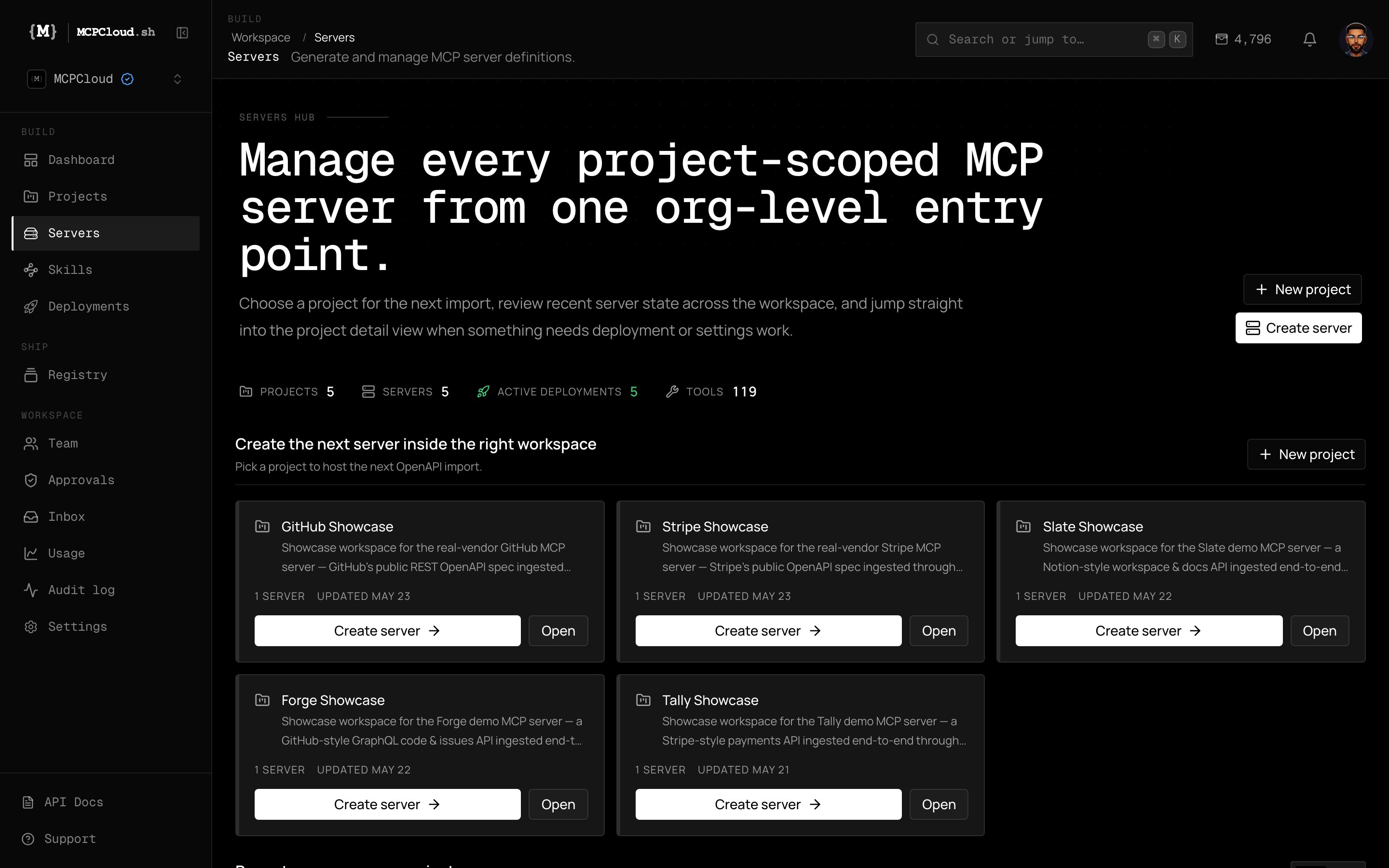
The Servers hub — every project-scoped MCP server across the workspace.
What you get beyond a self-hosted server
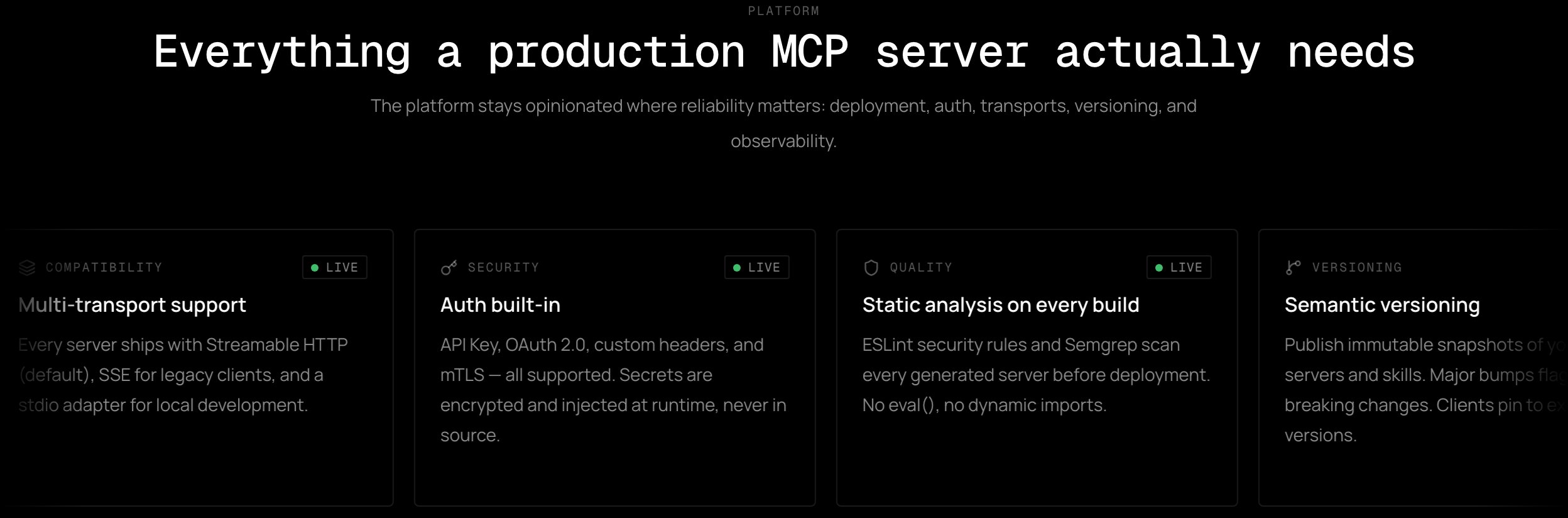
The platform stays opinionated where reliability matters.
Edge-native deployment
Generated servers run on a global edge runtime with sub-5ms cold starts, distributed across 300+ locations.
Multi-transport support
Every server ships with Streamable HTTP (default), SSE for legacy clients, and a stdio adapter for local dev.
Auth built-in
API Key, OAuth 2.0, custom headers, and mTLS. Secrets are encrypted and injected at runtime — never in source.
Static analysis on every build
ESLint security rules and Semgrep scan every generated server before deployment. No
eval(), no dynamic imports.Semantic versioning
Publish immutable snapshots. Major bumps flag breaking changes; clients pin to exact versions.
Usage analytics
Track install counts, active usage, error rates, and latency per tool per version in the dashboard.
Trigger-based skill dispatch
Skills carry trigger phrases so agents route to the right behavior without hardcoded mappings.
CLI for CI/CD
mcp deploys from GitHub Actions, lists servers in scripts, and manages keys. Every command supports --json.Why teams use MCPCloud
- Faster than self-managing infra for every MCP server you ship.
- Shared governance across engineering and security with audit logs and role-based access.
- Consistent patterns across many clients and many servers.
- Portable output — keep the generated source and the deployable bundle.
Typical team setup
1
Create projects per product domain
Projects hold servers, skills, members, and settings for a single workspace.
2
Build and deploy servers
Import specs, enrich tools, and deploy to the edge runtime.
3
Issue scoped API keys
One key per client integration or CI pipeline, rotated regularly.
4
Monitor and govern
Watch health, usage, and audit events; publish reusable assets to the registry.